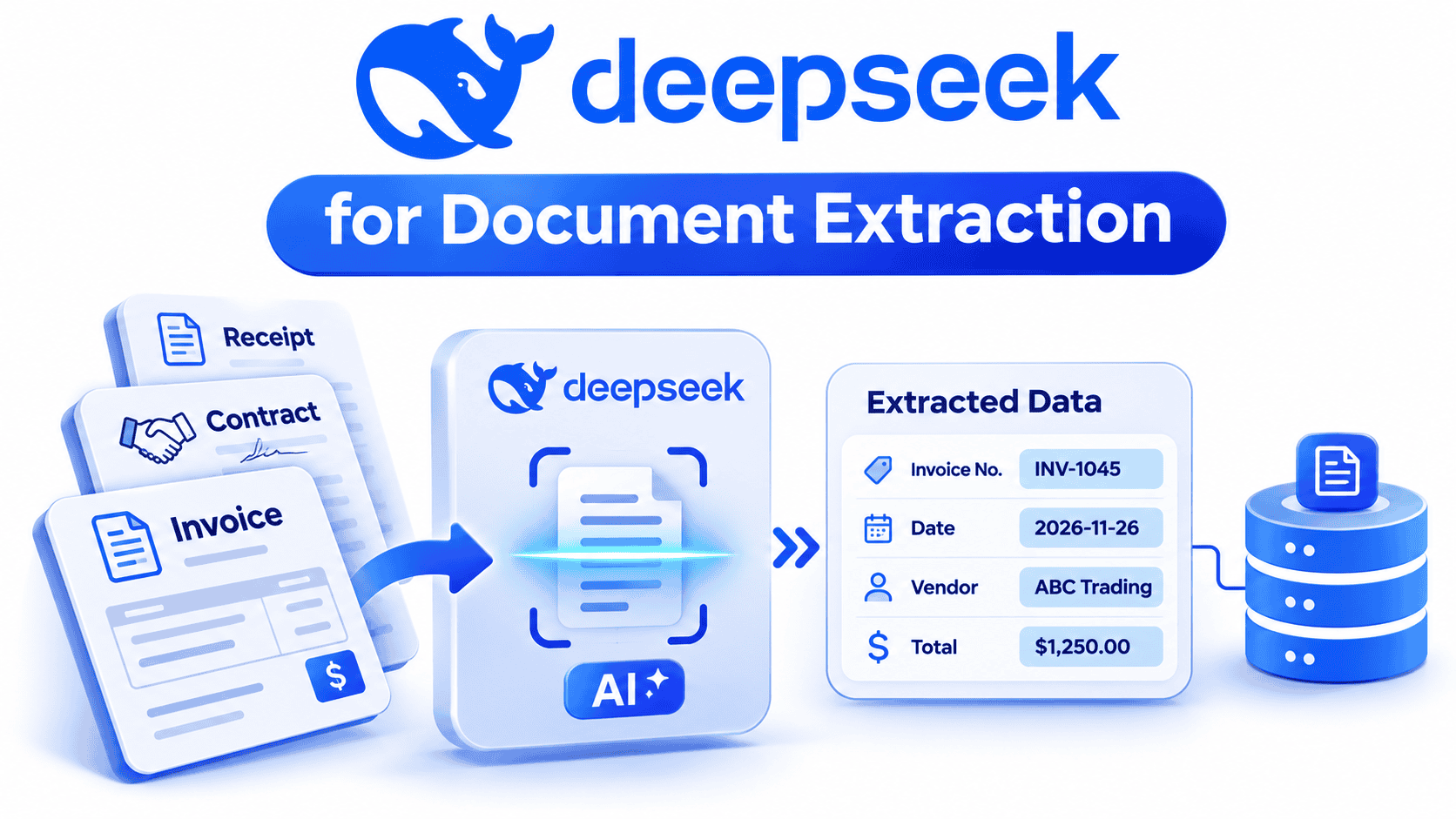

Document extraction is the most common production use of an LLM API, and the one that fails most quietly. A wrong answer does not throw an exception. It returns a plausible number, in the right shape, with the right number of decimal places — and the invoice gets paid twice.
This page is a working method rather than a demo: one realistic invoice, the prompt that survives it, the six places where models guess, and what the whole thing costs per thousand documents.
Quick answer. DeepSeek V4.1-Flash is multimodal, so it reads text and images, and the API supports structured output. The engineering problem is not reading the document — it is stopping the model from filling gaps. Instruct it to write “Not stated” for any field the document does not print, forbid arithmetic, and review the fields where silence is most common: purchase order numbers, currency, VAT numbers, and due dates.
The failure mode is silence, not an error
Every extraction pipeline has two kinds of mistake. A parse error is visible: the JSON does not validate, the retry fires, somebody gets paged. A field error is invisible: the model writes a number that looks like the one on the page and is not.
The second kind is worse for three reasons. It passes schema validation, so your monitoring sees success. It is internally consistent, so arithmetic checks do not catch it. And it is rare enough that a 98% spot check will miss it.
The fix is not a better model. It is a prompt and a schema that make invention the harder path.
The invoice test
Here is a synthetic supplier invoice. It is deliberately ordinary, and it omits four things a real invoice often prints — a currency symbol, a purchase order number, a VAT number, and a stated due date.
INVOICE
Northwind Supplies Ltd · 14 Cardrew Way, Bristol
Invoice no: NW-4471
Invoice date: 3 March 2026
Payment terms: 30 days

Description              Qty   Unit price   Amount
Copper pipe 15mm          40      12.50      500.00
Copper pipe 22mm          12      18.00      216.00
Fitting kit                1      74.50       74.50

Subtotal: 790.50
VAT: 158.10
Total due: 948.60

Please quote the invoice number with your payment.
The arithmetic is correct: 500.00 + 216.00 + 74.50 = 790.50, VAT at 20% is 158.10, and the total is 948.60. That matters, because a model that quietly recomputes will still produce a valid number while proving it did not read the page.
The prompt
Extract the invoice into JSON matching the schema below.

Rules:
1. Use only values printed on the document. If a field is not printed, return "Not stated".
2. Never calculate, derive, or complete a value. Do not compute a due date from payment terms, do not infer a currency, do not generate an invoice or PO number.
3. Do not fix arithmetic. If the printed total differs from the sum of the lines, return the printed total and set "arithmetic_check": "mismatch".
4. Return every line item separately. Do not merge lines with similar descriptions.
5. Dates in ISO format (YYYY-MM-DD). Do not convert timezones.
6. If a value is unreadable, return "unreadable" for that field rather than guessing.

Schema:
{
  "vendor": string, "invoice_number": string, "invoice_date": string,
  "currency": string, "po_number": string, "vat_number": string,
  "subtotal": string, "tax": string, "total": string, "due_date": string,
  "arithmetic_check": "ok" | "mismatch" | "not_checked",
  "line_items": [{"description": string, "qty": string, "unit_price": string, "amount": string}]
}
Six rules, and each one closes a specific hole. Rule 2 is the important one: models are trained to be helpful, and computing a due date from “30 days” is helpful. In an extraction pipeline it is fabrication with a plausible face.
The expected output
| Field | Correct value | What a guessing model returns |
|---|---|---|
vendor | Northwind Supplies Ltd | — |
invoice_number | NW-4471 | — |
invoice_date | 2026-03-03 | US-style 2026-03-03 or 2026-03-03 misread as May |
currency | Not stated | GBP, EUR or USD — all invented |
po_number | Not stated | A number borrowed from the invoice number |
vat_number | Not stated | A plausible formatted string |
subtotal | 790.50 | 948.60 — the total, copied into the wrong field |
tax | 158.10 | — |
total | 948.60 | 790.50 — the subtotal |
due_date | Not stated | 2026-04-02, computed from the terms |
line_items | 3 rows | 2 rows — the two pipe lines merged |
arithmetic_check | ok | not_checked, or recomputed silently |
Score the run by counting correct fields, not filled fields. A model that returns eleven fields and invents four scores worse than one that returns seven and admits the rest.
Six places models guess
- Currency. Most training data has a currency symbol. Remove it and the model supplies one from the address, the language, or nothing at all.
- Purchase order numbers. The field is so common that its absence reads as an OCR failure, so the model fills it.
- Due dates. Payment terms are an invitation to arithmetic. This is the single most common fabrication in invoice extraction.
- Subtotal versus total. Both are currency amounts with two decimals; picking the wrong one is a semantic error that passes every type check.
- Near-duplicate line items. “Copper pipe 15mm” and “Copper pipe 22mm” look like a transcription error to a model trying to be tidy.
- Arithmetic repair. When a printed total does not match the lines, a helpful model fixes it. You want the printed number plus a flag, not a corrected one.
Each of these has a test in the synthetic invoice above, which is why the sample omits exactly those fields. A test document that contains everything proves nothing.
Designing the schema around doubt
A schema that only contains the fields you want forces the model to fill them. Three additions change that:
- An explicit null token. “Not stated” as a documented, allowed value — not an empty string, which models treat as a formatting problem to fix.
- A confidence or review flag per field. Even a coarse “high / low” lets you route the low ones to a person instead of reviewing everything.
- A consistency field.
arithmetic_checkabove is one example; for contracts it might be “clause_reference_present”. The point is to make the model report on its own uncertainty.
Structured output is the mechanism that makes this enforceable. DeepSeek’s API supports JSON output; our JSON output guide covers the request shape, and the vision guide covers sending a scanned page instead of text.
What a thousand invoices cost
Assume one invoice costs 900 input tokens (document text plus instructions and schema) and 300 output tokens (the JSON). At Flash off-peak rates of $0.15 and $0.60 per million tokens, that is $0.135 of input and $0.18 of output per thousand documents.
| Volume | Token cost | Plus review at 6 seconds per document | Fully manual, 40 documents per hour |
|---|---|---|---|
| 1,000 invoices | $0.32 | ~$25 | ~$375 |
| 10,000 invoices | $3.15 | ~$250 | ~$3,750 |
| 100,000 invoices | $31.50 | ~$2,500 | ~$37,500 |
Review time assumes a $15 hourly cost and 6 seconds of checking per document — that is, 20% of documents needing 30 seconds each. Manual entry assumes 40 documents per hour. Both are assumptions to replace with your own numbers, not benchmarks.
The point of the table is not the token cost, which is negligible. It is that review is about 99% of the bill. Halving the review rate from 20% to 10% saves roughly eighty times more than halving the token price — $12.50 against $0.16 on the thousand-invoice row. That is why the schema work above matters more than model choice.
Image input costs more tokens than text, and the amount depends on resolution. Measure one page of your own documents and multiply rather than trusting a per-page estimate. Our pricing page has the current rates, and the cost comparison puts them next to other providers.
Extracting invoice fields is only part of the cost. If your team also needs to approve bills and post them to its accounting system, see our comparison of DeepSeek and AP automation software. It works through 1,000 invoices a month and shows how staff review time can change the build-or-buy decision.
When you need a dedicated extraction tool instead
A general model is the right tool for clean, text-based, one-page documents in modest volumes. It is the wrong tool for five cases, and recognising them early saves a quarter of engineering:
- Handwriting and poor scans. A dedicated OCR stage beats a general model on degraded input, and no prompt fixes a blurry page.
- Tables that span pages. Extraction across a page break needs document structure, not a single image.
- Stamps, signatures, and checkboxes. These are image-classification problems wearing a document costume.
- Audit requirements. If a regulator asks how a number was produced, “the model returned it” is a weaker answer than a field-level trace with a bounding box.
- Very high volume with an SLA. At millions of documents a month, a specialised pipeline is cheaper per page and easier to guarantee.
That is not an argument against using the API. It is an argument for measuring first: run the 50-document test below, and let the failure rate decide whether you need a specialist tool or a better prompt.
Measuring accuracy you can defend
- Take 50 real documents from the queue, including the ugly ones.
- Hand-label the expected JSON for all 50 before you run anything, so the rubric cannot drift.
- Score per field, not per document. One wrong total matters more than twelve correct descriptions.
- Count hallucinations separately. “Not stated” when the field was printed is a miss; a number when nothing was printed is a fabrication. They need different fixes.
- Re-run after every prompt change. The regression you do not measure is the one that ships.
Fifty documents is not a benchmark and this page will not quote an accuracy number it did not measure. What it will say is that a pipeline with a 5% fabrication rate on totals is not usable for accounts payable, whatever the average accuracy looks like.
Quick answers
Can DeepSeek read scanned invoices?
V4.1-Flash is multimodal and processes images natively, so a scan can be sent directly. Quality depends on the scan, and the sensible approach is to test your own worst pages rather than a clean sample. If your scans contain line items or tables that need to stay intact, compare Amazon Textract and Google Document AI for invoice extraction before choosing an OCR service.
Does the API support JSON output?
Yes. Combined with a schema in the prompt and a “Not stated” convention, it removes most of the formatting variance that makes extraction pipelines brittle.
What accuracy should I expect?
Anyone who quotes a number without your documents is guessing. Measure field-level accuracy on 50 of your own documents, and separate ordinary misses from fabrications.
Is it cheaper than a person?
The tokens are effectively free at any human scale — $0.32 per thousand invoices. The review is the cost, and a pipeline that needs 20% of documents checked still saves the large majority of manual entry time.
Can it process a multi-page PDF in one call?
It is the wrong design even when it works. Send one document per call where possible, and keep page-level results separately so a failure can be retried without re-reading the whole file.
Is it compliant for invoices?
That depends on jurisdiction, e-invoicing mandates, and retention rules — and on where the data is processed. Read the privacy documents before sending supplier data, and take local advice rather than treating an API feature as a compliance answer.
Sources
- Models & Pricing — Flash input and output rates used above
- DeepSeek API documentation — request format and structured output
- DeepSeek-V4.1-Flash model card — multimodal input, context limits
- DeepSeek Privacy Policy — processing location and data categories